

Temu is expanding fast. It topped global shopping app downloads in 2024 and has kept that momentum through 2025. For Shopify stores, that means new buyers and fresh demand.
The most challenging aspect is the work that goes on behind the scenes. Keeping listings, stock, and orders aligned between Shopify and Temu requires time and can lead to mistakes. Manual updates lead to overselling and slow fulfillment.
A Shopify Temu integration solves this. It syncs products and inventory in near real-time, pulling Temu orders into Shopify so that you can fulfill them from a single location. You get fewer errors and more time to grow.
This guide is for Shopify store owners who want to sell on Temu without manual busywork. It compares four apps and explains what each one does best so you can choose with confidence.


Top Temu Shopify Apps to Choose From
For Shopify stores that want Temu without manual work, here are the best options and how they differ.
#1. M2E Multichannel Connect
Perfect for: Shopify merchants who sell on Temu, Amazon, eBay, Walmart US, TikTok Shop, and Shein, or plan to expand soon, and want one dashboard for listings, inventory, and orders.
M2E Multichannel Connect is a complete integration hub that connects Shopify with leading marketplaces, including Temu. It publishes listings, updates prices and quantities in real-time, and brings marketplace orders into Shopify, allowing you to fulfill them in one place. The result is cleaner data, fewer stock issues, and faster processing.
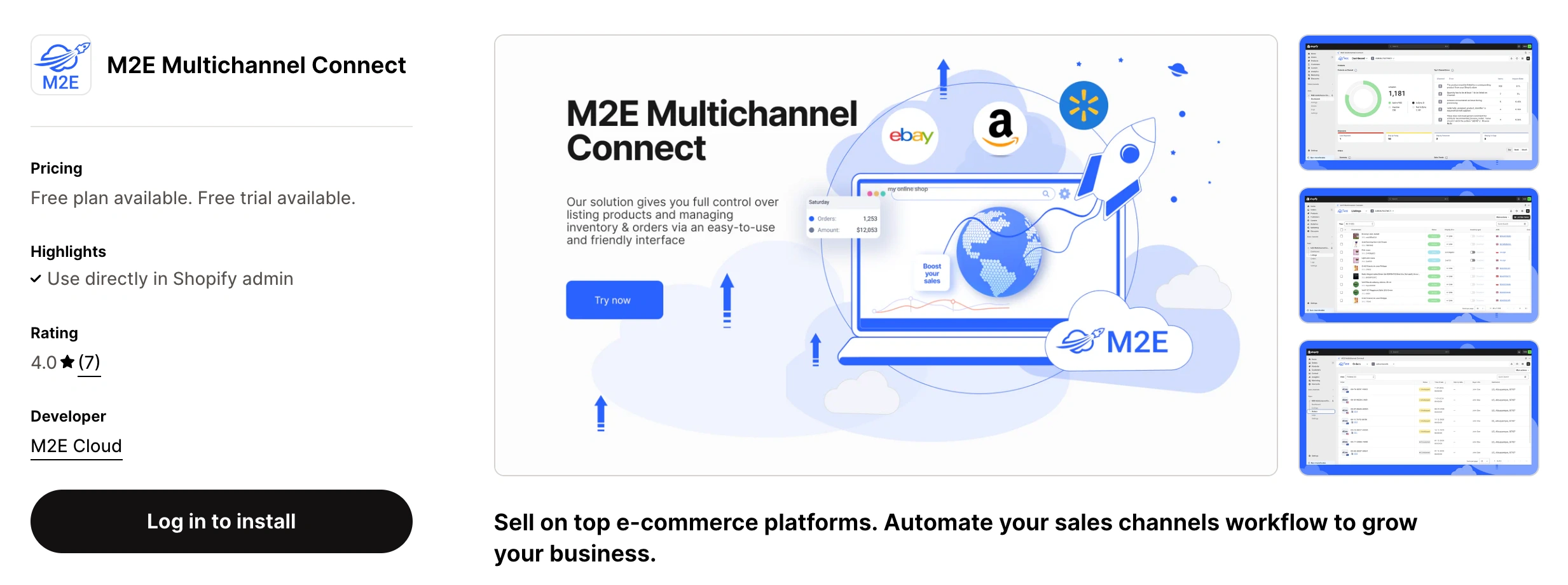
You manage everything from a single dashboard. Create listings in bulk, map SKUs and variants, and establish rules for pricing and stock management. Tracking moves with the order. Sellers who sell auto parts can utilize eBay Motors Parts Fitment, and brands that use Amazon FBA can connect those workflows without requiring additional tools.
It suits both growing retailers and established brands that require reliable sync and room to scale without needing to switch apps later.
Key features:
- Multi marketplace selling. Connect Shopify to Temu, Amazon, eBay, Walmart US, Shein, and TikTok Shop from one dashboard.
- Cross border trade. Sell across EU regions and other markets from one dashboard while keeping listings, stock, and orders in sync.
- Centralized inventory and pricing. Control stock and price updates for every channel from a single location.
- Real-time sync. Automatic updates for orders, prices, and quantities across platforms.
- Unified order management. Import and process marketplace orders inside Shopify.
- Advanced listing tools. Bulk upload, custom templates, feed automation, and listing analytics.
- Smart automation. Reprice, relist, and sync inventory based on your rules.
- Multi language support. Available in eight languages for global teams.
- 30 day free trial. Enough time to test or migrate from another solution with no risk.
- Expert support. Our team has 18 years of ecommerce experience and will help you set up fast and right.
Pricing: Free plan for up to $1,000 GMV. Free to install with a 30 day trial. Paid plans start at 39 dollars per month.
Drawbacks: The broad feature set can feel heavy if you only sell on Temu.
Refer to the Shopify setup guide for step-by-step instructions on how to install and connect your Temu account to M2E Multichannel Connect.


#2. Temu Integration by M2E
Perfect for: Shopify sellers focused solely on Temu who want a clean setup and simple day-to-day work.
Temu Integration by M2E is a specialized connector explicitly designed for Temu. It links your Shopify store to Temu and automates tedious tasks. You publish listings from Shopify, keep prices and stock accurate in real-time, and view Temu orders directly inside your Shopify admin. No CSV uploads. No tab hopping.
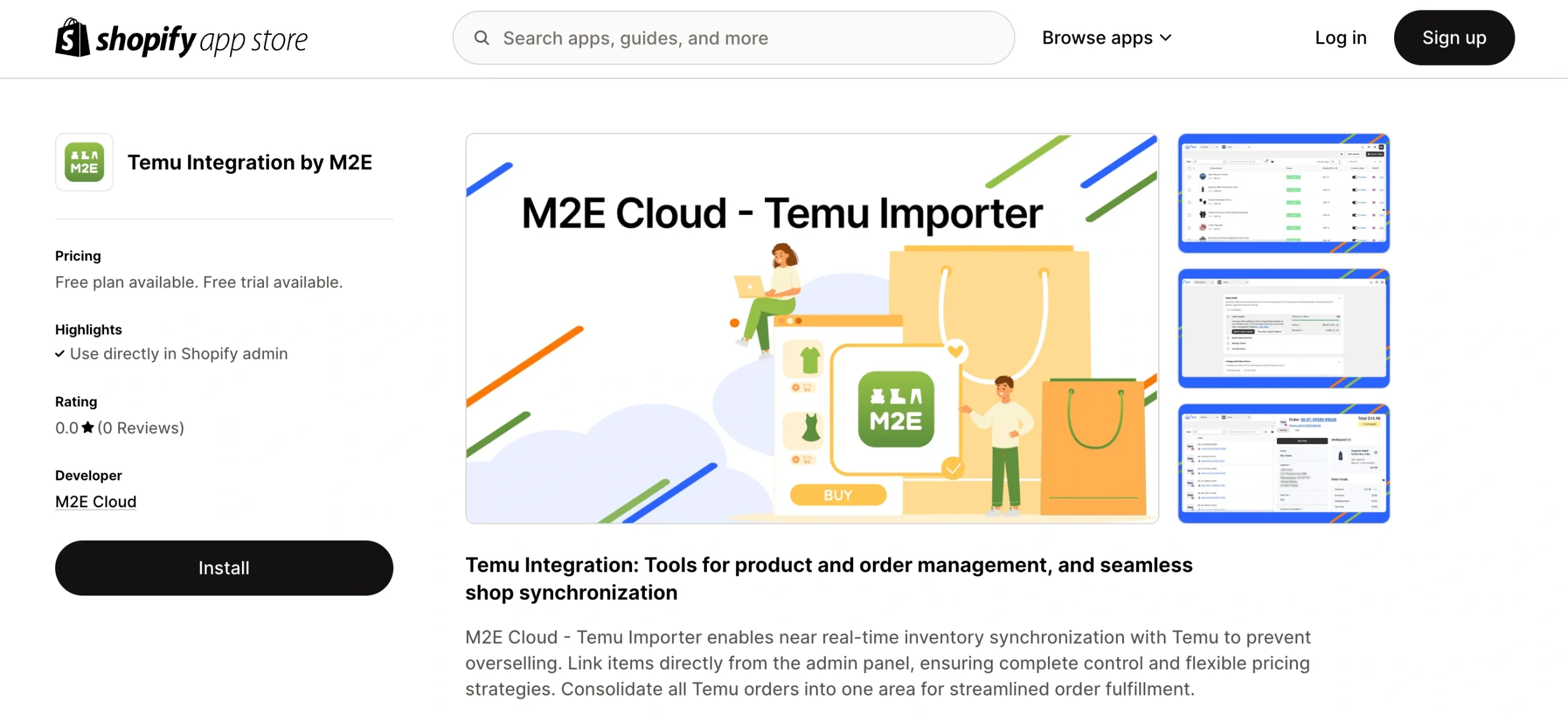
Sync is fast and reliable. When an item sells, the app updates inventory to prevent overselling. You can map SKUs and variants, list in bulk, and set simple rules for price and quantity. The onboarding is guided, so you get your first products live in minutes and keep control in one place.
Key features:
- Direct Shopify to Temu integration. Connect your store once and manage everything from Shopify.
- Temu multi region support. Manage listings, stock, and orders for all Temu marketplaces from one place.
- Bulk product listing and SKU mapping. Publish multiple products simultaneously and ensure that their variants are aligned with your Temu catalog.
- Real-time sync for inventory, prices, and orders. Changes in Shopify are reflected on Temu, and Temu orders flow back to Shopify.
- Oversell protection. Stock updates across both platforms the moment an item sells.
- Unified order management. View, fulfill, cancel, or refund Temu orders inside Shopify and push tracking as you ship.
- Simple automation rules. Set price markups, quantity buffers, and low stock pauses.
- Temu Sales Analytics. Track sales, revenue, and top SKUs for Temu. Analytics is a free additional tool for M2E users.
- Expert support. A team with 18 years of ecommerce experience helps you onboard, migrate, and resolve issues fast.
- Step-by-step onboarding and a free trial. Follow a short checklist to go live fast.
Pricing: Free plan (Starter) for up to 600$ GMV. Free to install with a 30-day free trial. Paid plans start at 19 dollars per month.
Drawbacks: Temu only. If you expect to add Amazon or eBay soon, a multichannel app may be a better long-term fit.
Read the complete Shopify Temu Quick Setup Guide by following this link.
#3. 4Seller Listing&Order Ship&WMS
Perfect for: Small and midsize Shopify stores that are adding Temu and want simple automation at a low cost.
4Seller connects Shopify with Temu and other marketplaces, allowing you to manage listings, stock, orders, and shipping in one place. It syncs products and inventory across channels, brings Temu orders into Shopify, and helps you print labels and track parcels with major carriers.
If you are new to Temu, it offers a quick way to automate the basics and avoid manual updates.
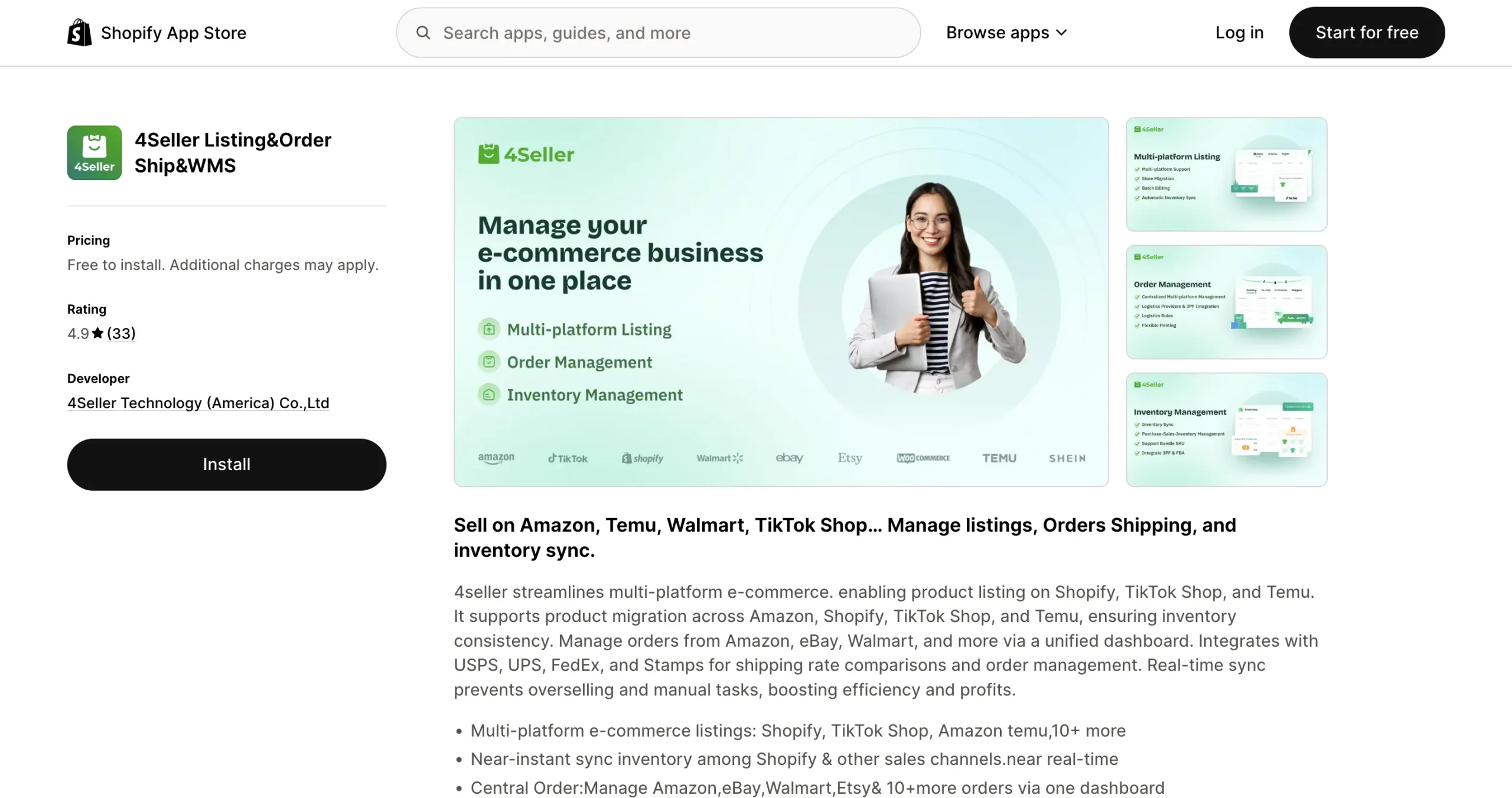
Key features:
- Real-time stock and order synchronization to maintain accurate quantities and prevent overselling.
- Bulk product uploads and SKU mapping
- Centralized order management
- Built-in shipping tools to compare rates, print labels, and track deliveries
- Works with major logistics providers and multiple sales channels
Pricing: Free to install. The app is free to use. Carriers bill shipping fees.
Drawbacks: Lacks deeper analytics, advanced automation, and customization compared with larger multichannel suites.
#4. ToolE – Temu Easy Sync
Perfect for: Retailers who sell on Temu and also fulfill from stores or locations. Teams that want one workflow for pickup, delivery, and online orders.
ToolE – Temu Easy Sync connects Shopify and Temu, keeping orders and stock in sync. Temu orders appear in your Shopify admin just like any other order, allowing you to fulfill, cancel, or refund them without manual imports.
Real-time updates help prevent overselling and ensure accurate on-hand counts across all locations. It integrates seamlessly with POS and other channels, allowing your staff to follow a single, straightforward process.

Key features:
- Real-time two-way sync between Shopify and Temu
- Import and manage Temu orders directly in Shopify
- Automatic stock updates across all locations
- Smart fulfillment tools for pickup or delivery
- Works seamlessly with other marketplaces and POS systems
Pricing: Free plan available. Paid plan from 29.90 dollars per month with a 14-day free trial.
Drawbacks: The Listing features are basic. Pair it with a Temu listing app for advanced listing control.
Shopify Temu integration apps – quick comparison
| App | Best for | Core capabilities | Marketplaces supported | Pricing |
| M2E Multichannel Connect | Sellers managing several marketplaces | – Multichannel listings – Real-time inventory and price sync – Unified orders in Shopify – Smart sync rules – FBA fulfillment support | Temu, Amazon, eBay, Walmart US, TikTok Shop, Shein, Kaufland, Otto, OnBuy | Free plan up to $1,000 GMV. Free install, 30-day trial, from $39 per month |
| M2E Temu Connect | Shopify stores focused only on Temu | – Direct Temu sync – Bulk listing and SKU mapping – Real-time updates – Oversell protection – Orders import to Shopify | Temu | Free plan up to $600 GMV. Free install, 30-day trial, from $19 per month |
| 4Seller Listing&Order Ship&WMS | Small to midsize sellers who want simple automation | – Stock and order sync – Bulk uploads and SKU mapping – Built in shipping labels and tracking – Centralized orders | Temu, Amazon, eBay, TikTok Shop | Free to install |
| ToolE – Temu Easy Sync | Retailers running Temu plus store or multi location fulfillment | – Temu order import and management in Shopify – Multi-location stock – Pickup and delivery workflow | Temu | Free plan up to 10 orders, then $29.90 per month |
Pick the Right Shopify Temu Integration to Keep Inventory & Orders Sync
Selling on Temu can lift your reach. Running it by hand can slow you down. A dedicated app keeps listings, stock, and orders in sync, so you can work seamlessly from Shopify and minimize errors.
How sync works in practice: Product data flows from Shopify to Temu when you list or edit a product. Orders from Temu are sent back to Shopify, allowing you to fulfill, cancel, or refund in one place. Inventory updates occur in near real-time after each sale. Tracking moves with the order. Multi-location stock stays aligned across stores and warehouses.
A single dashboard means faster decisions. You see sales, stock, and order status without switching tools.
What app to choose?
M2E Temu Connect: Choose this if Temu is your only marketplace. You want a clean setup, bulk listing from Shopify, real-time stock and price updates, and Temu orders inside Shopify. It is the simplest path for a Temu’s first strategy.
M2E Multichannel Connect: Choose this if you sell on several marketplaces or plan to expand. Manage Temu, Amazon, eBay, Walmart US, TikTok Shop, Shein, and other marketplaces from one dashboard. With M2E, you can scale from one place across regions and channels. Add marketplaces and regional accounts without rebuilding your setup. Keep listings, prices, and stock in sync for EU, UK, and US stores. You also get advanced listing tools, pricing and stock rules, and support for Amazon FBA.

4Seller Listing and Order Ship and WMS: Choose this option if you want low-cost automation and built-in labels and tracking. You need basic listing and sync for Temu and a few other channels. You value a simple setup over deep analytics.
ToolE Temu Easy Sync: Choose this option if you run store pickup or multi location fulfillment. You want Temu orders to follow the same process as your in-store and online orders. You need two-way sync and precise order handling in Shopify, alongside your POS.
Implementation tips for a smooth setup
- Set your source of truth: decide which fields rule your sync. Use SKU as the anchor for products and variants. This avoids duplicates and mismatches as your catalog grows.
- Prepare your catalog: clean SKUs, confirm variants, and map options before you list. Consistent data makes sync faster and steadier.
- Add safety buffers: set quantity buffers and low stock stops. This protects you during spikes and helps prevent overselling.
- Monitor the logs: review sync and order logs daily at launch. Catch missed SKUs, failed listings, or stock gaps before they touch customers.
- Confirm key flows: verify that cancellations, refunds, and tracking information move from Shopify back to Temu, where supported. Align return rules and shipping settings.
Not sure which to choose?
Contact our team, and we will review your catalog, marketplaces, and workflows to recommend the best setup for your store. We can guide you through the migration process, map SKUs, set safe sync rules, and get your first listings live.
Reach out anytime, and we will help you get started on the right foot.


