Picture this: a trending product in your TikTok Shop sells out within seconds during a live session. Meanwhile, the same item is still listed as available in your Shopware store, and a buyer places an order there too. Neither platform knows about the other sale, so both orders go through. Now you owe two customers a product you only had one of.
This is a common problem for merchants selling on more than one channel. As your catalog and order volume grow, so does the risk. What starts as the occasional cancelled order turns into a regular pattern of refunds, negative reviews, and wasted time.
This article explains why inventory mismatches occur between the platforms, what they cost your business, and how to set up a Shopware TikTok Shop app that keeps inventory in check as demand grows.
Why Overselling Happens Between Shopware and TikTok Shop
Sync gap
Shopware and TikTok Shop are separate systems with no native connection. A sale on TikTok Shop does nothing to adjust stock in Shopware, and vice versa. That disconnect creates a gap – an item that sells on TikTok Shop at 10:00 may still show as available on Shopware at 10:01. In that window, a second buyer can order the same unit.
Even a delay of a few seconds can be enough for overselling to happen during high-demand periods like TikTok live shopping events.
Impact on seller metrics
The consequences go beyond one cancelled order. TikTok Shop tracks a Seller Fault Cancellation Rate (SFCR) that counts cancellations caused by the seller, including stock issues. The platform expects sellers to keep SFCR at or below around 2.5%. Go above that, and you start collecting penalty points that affect your account health.
On the Shopware side, the damage shows up as negative reviews and lost customer trust. Unlike marketplace metrics, this kind of impact is harder to track and often harder to recover from.
Financial cost
Every cancelled transaction also comes with processing costs. Between tight Shopware TikTok price margins and TikTok Shop’s refund and admin fees, you can end up losing money on orders that never ship. When stock mismatches happen regularly, those repeated costs, along with the time spent on support and cancellations, add up quickly.
Approaches to Keeping Inventory in Sync
Without a built-in link between Shopware and TikTok Shop, sellers rely on one of three methods to keep stock levels consistent:
- Updating both platforms by hand. After each sale, you adjust the quantity on the other channel manually. This is manageable when you process just a handful of orders per day. But it falls apart quickly once volume picks up. One missed update during a busy afternoon is all it takes to oversell.
- Spreadsheet-based exports and imports. A step up from manual edits – you export inventory data from one system, adjust the numbers, and upload the file to the other. It handles larger catalogs more efficiently, but the process is never instant. By the time you finish uploading the file, new orders may have already changed the picture.
- Automated synchronization through a third-party tool. For sellers who are actively growing, this is typically the only approach that holds up. A dedicated Shopware TikTok Shop app watches both channels and adjusts stock levels automatically the moment a sale happens. It helps remove the delay that causes overselling.
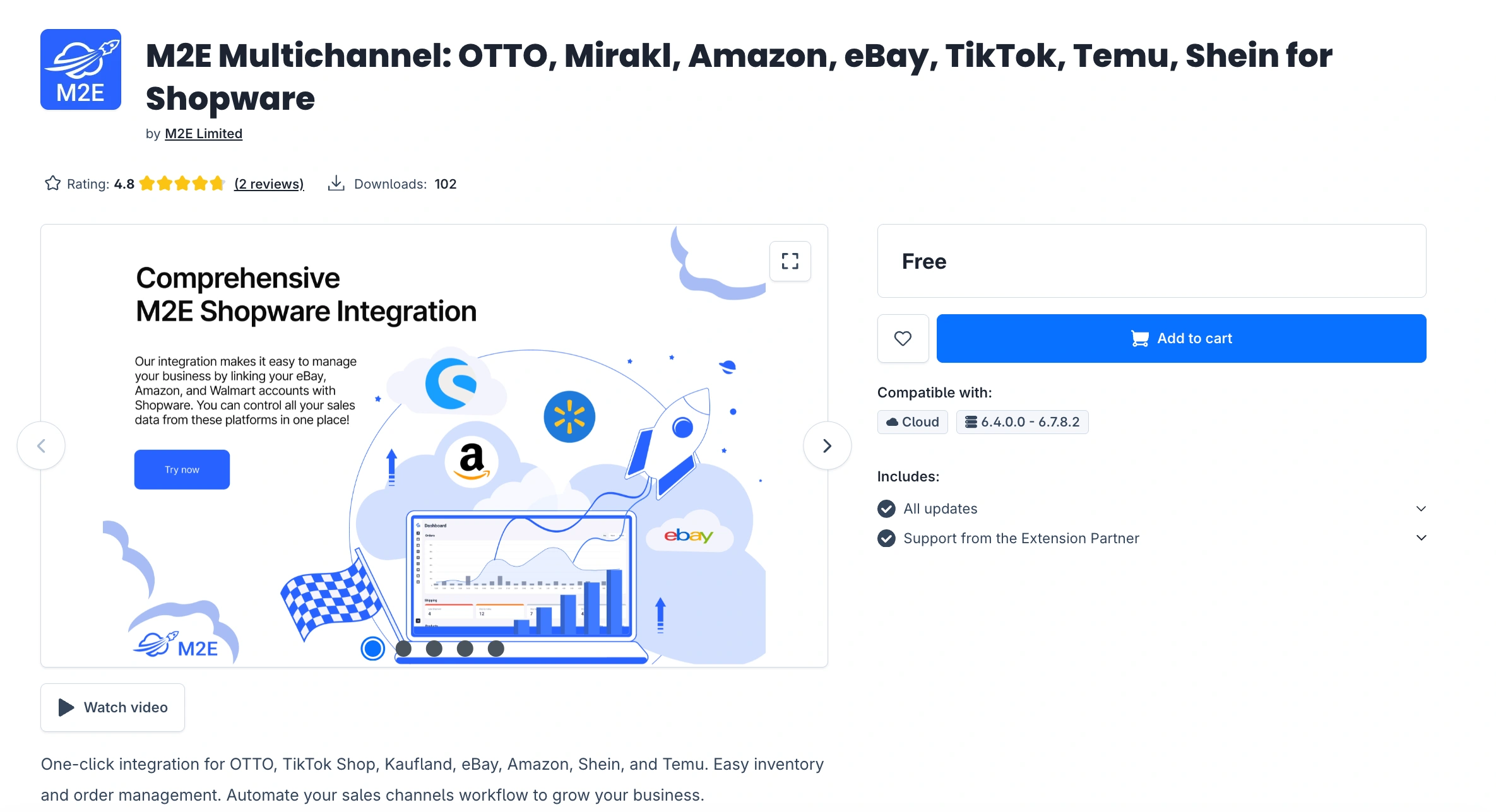
M2E Multichannel Connect serves as that automated bridge. It links Shopware and TikTok Shop and synchronizes inventory through a centralized system.
How M2E Handles Inventory Across Shopware and TikTok Shop
M2E Multichannel Connect is a solution for merchants who manage mid-sized or large catalogs and sell across multiple marketplaces. It brings stock management into one place and provides flexible settings for listings, quantities, and orders between Shopware and TikTok Shop.
The solution supports TikTok Shop markets in the United States, Europe, Brazil, and Mexico, so you can keep your stock synchronized no matter where you sell.

Instead of copying stock numbers between platforms, M2E lets you set rules for how the inventory should behave across channels.
Instant Stock Updates on Both Channels
When a sale happens on either platform, M2E Multichannel Connect updates stock on the other side in near real-time. This closes the window where the same item could sell twice.
If you use TikTok Shop’s Sell Across EU feature, your products are visible in multiple European markets at the same time. That means orders can come in from different countries within seconds of each other. M2E supports this feature and syncs your Shopware inventory across all connected TikTok Shop markets. For example, a sale in Germany instantly updates stock both in Shopware and on every other market.
Quantity Buffers
M2E Multichannel Connect lets you hold back part of your stock from appearing on TikTok Shop as a safety margin. For example, if you have 30 units in Shopware and set a buffer of 2, your TikTok Shop listing will show 28. That small reserve prevents overselling when multiple orders happen before M2E applies stock updates.
This buffer is especially useful during TikTok live shopping events, where a wave of orders can come in within seconds.
Handling Stock of Variations and Multipacks
Products with multiple options make stock harder to manage. Your TikTok Shop listing can cover several variants, like sizes or colors, each with its own stock count. Multipacks add a similar challenge: when one sells, stock needs to go down for every individual item inside it.
M2E keeps the quantities of variant and multipack listings aligned between Shopware and TikTok Shop. Whenever a sale happens, the app updates the correct SKUs, so you never end up with mismatched counts on individual options or kit components.
Order Import and Fulfillment Tracking
M2E automatically imports TikTok Shop orders into Shopware and keeps inventory updated as they move through fulfillment. Shopware TikTok tracking details sync back to TikTok Shop so buyers can stay updated from purchase to delivery. Your team won’t need to switch between platforms to manage order statuses.
Check out our TikTok Shop fulfillment guide to choose the best way to ship your orders.
Sync Monitoring and Logs
You get full visibility into every sync between Shopware and TikTok Shop. M2E logs all stock changes, order imports, and listing updates with timestamps. Any problems with syncing are highlighted in the dashboard, so you can resolve them before they lead to stock mismatches.

Summary
Overselling between Shopware and TikTok Shop costs you more than a single cancelled order. It hits your SFCR score, eats into margins through wasted fees, and affects the customer trust you have worked to build. As your catalog and order volume grow, manual fixes stop being realistic.
M2E Multichannel Connect handles inventory across both platforms, so you don’t have to. The app syncs stock in near real-time, lets you set safety buffers for busy periods, and gives you control over how quantities are synchronized and displayed on the channel.
If you run a Shopware store alongside TikTok Shop and need inventory management that grows with you, M2E Multichannel Connect is available on the Shopware marketplace.