


Vitamins and supplements perform well on Amazon because buyers treat them as part of their routine. They restock monthly, often choosing the same brands and formulas. Once a product earns trust, customers tend to stay with it.
Search demand is steady, too. Terms like Vitamin D, Nutricost Creatine, Monohydrate, Pure Encapsulations, Magnesium (Glycinate), Ashwagandha, and Protein Powder bring year-round traffic. Shoppers already trust Amazon to provide ingredient lists, directions, reviews, and comparisons in one place. Building that level of trust on your own site is hard. On Amazon, it is built in.
The tradeoff is strict control. Amazon enforces tight rules on safety, labeling, and claims. Mistakes lead to delisted products or even account suspensions.
This guide shows how to sell supplements in accordance with those rules. You will learn how US regulations work, what documents you need, how to list safely, and how to avoid common suspension triggers. You will also see how M2E Cloud helps you manage listings, sync inventory, and control multi-channel fulfillment without breaking your system.

Amazon Supplement Rules in the US
If you sell supplements in the US, you answer to two authorities at once: Amazon and the FDA (Food and Drug Administration). Amazon enforces both sets of rules. Even if your product is ‘FDA compliant,’ Amazon can still block your product if it fails its checks.
You don’t need a law degree, but you must understand three things: testing, labels, and claims.
1. Product safety and testing
Amazon now requires third-party testing for many high-risk categories, such as weight loss, sports nutrition, sexual health, and bodybuilding. Tests must show that:
- ingredients match the label,
- no banned substances are present,
- the tested batch is the same as the one you sell.
All of this runs through the Compliance Dashboard in Seller Central. If Amazon flags an ASIN, they will ask for documents. Until you upload and pass, the product can’t sell.
2. Label accuracy
Amazon treats your label like a legal contract. The label and the listing must match on:
- ingredients and amounts,
- directions and warnings,
- brand, manufacturer or distributor, and country of origin.
Missing ingredients, wrong dosages, unapproved phrases, or a label that doesn’t match your COA can all lead to suppression. Small label mistakes can delay or derail your launch.
3. Claims control
You can talk about support. You cannot talk about cures. Structure and function or general wellness claims are allowed; medical claims are not.
Acceptable: Supports immune health.
Not acceptable: Prevents flu.
Amazon scans titles, bullets, images, A+ content, and ads for risky phrases. If anything in the listing sounds like it diagnoses, treats, prevents, or cures a condition, Amazon will act on it.
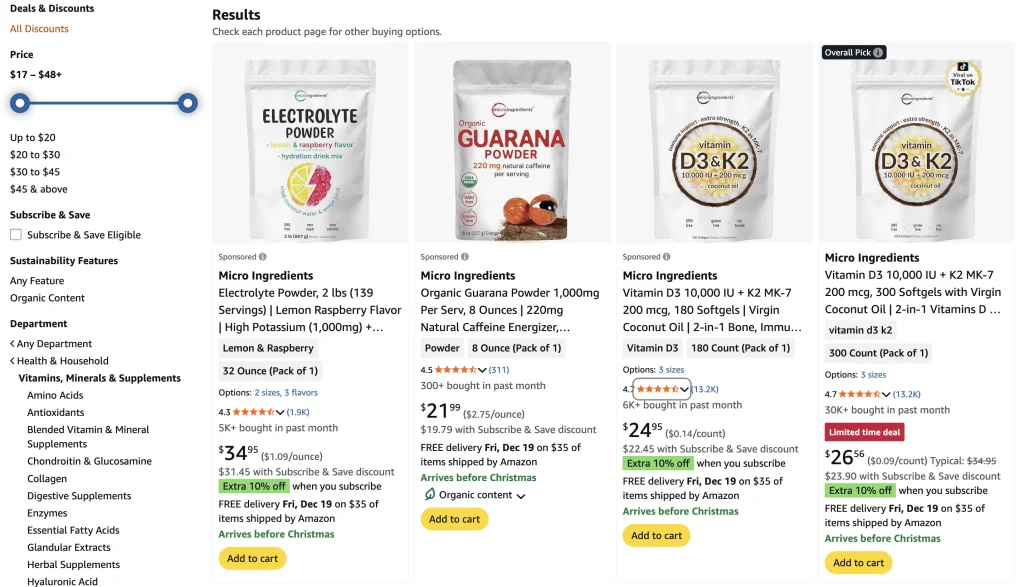
What Exactly Counts as a ‘Dietary Supplement’ on Amazon?
Amazon treats most ingestible wellness products as dietary supplements. If it enters the body and supports health, it likely falls under the supplement rules.
This category includes:
- Vitamins and minerals
- Herbal and botanical products
- Amino acids and blends
- Powders, capsules, softgels, gummies, and liquid drops
- Oral sprays, oils, and drink mixes
The format doesn’t matter. If customers swallow, drink, spray in the mouth, or dissolve it, Amazon treats it as a supplement.
Who Can Sell Vitamins and Supplements on Amazon?
You can sell dietary supplements on Amazon if you:
- Own a brand and create your own products
- Use a private label through a contract manufacturer
- Resell or distribute an established supplement brand
No matter your role, Amazon asks for the same proof: a valid Certificate of Analysis, GMP documents, correct labels, and compliant listing content. Brand owners and private label sellers handle this directly. Resellers must get the documents from the brand and keep listings accurate.
The rule is clear: if your name appears on the listing, you must show the product is safe, labeled correctly, and marketed responsibly.
Approval Process: How to Get Cleared to Sell Supplements
Amazon doesn’t rely on trust in this category. It depends on documents and test results. Approval is a process, not a checkbox.
Here is what that process looks like in real life.
Step 1. Prepare your product documents
Before you do anything in Seller Central, gather your paperwork. Amazon wants proof that your product is real, safe, and traceable.
You should have:
- Certificate of Analysis (COA). This document proves the contents of your supplement. It should show ingredient levels, batch or lot number, testing date, lab name, and a signature or certification mark. The batch number on your product must match the batch number on the COA. If it does not, Amazon may reject your listing.
- GMP compliance. Your manufacturer should follow Good Manufacturing Practices. This proves you have proper quality control, clean production, and ingredient tracking in place. Without clear GMP proof, your chances of rejection are much higher.
- Ingredient breakdown. List all active and inactive ingredients, allergens, and any carriers or fillers. This list must match your product label, your Amazon listing, and your COA. Any mismatch is a red flag for Amazon.
- Label artwork. Amazon also reviews your label. Be ready to submit the front panel, the Supplement Facts panel, the warnings, and the manufacturer contact details. If anything on the label conflicts with your listing or COA, Amazon can block the product.
Want to check the official rules yourself? Review Amazon’s Dietary Supplements Policy in Seller Central to make sure your product meets every requirement.
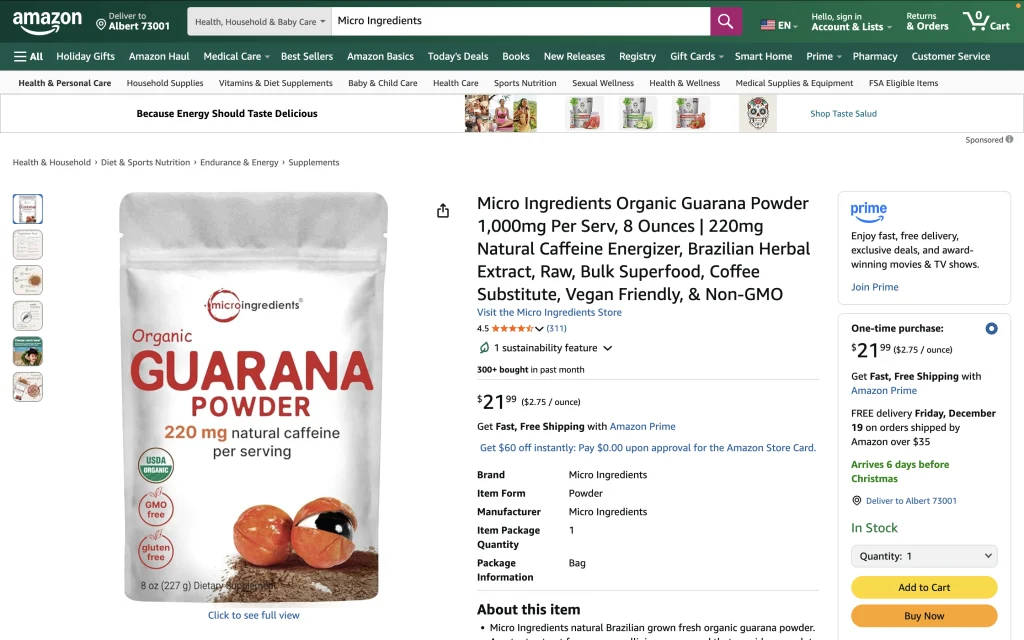
Step 2. Submit through the compliance dashboard
Amazon manages supplement approvals inside Seller Central. Products that need attention appear in the Manage Your Compliance section.
For each affected product, you will see a request, a deadline, and the exact documents needed. You upload your COAs, labels, certificates, and other files there. If you don’t upload them in time, Amazon can remove or block the listing.
Step 3. Verification via third-party organizations
For many supplement categories, Amazon requires testing through a TIC organization. This stands for Testing, Inspection, and Certification.
Amazon doesn’t test the product itself. Approved labs do it. Their report is what unlocks or blocks your sales.
If your product passes, Amazon allows it to stay active. If it fails, the listing is removed, and you need new testing before you can sell again. Testing costs money. Losing your listing expenses much more.
You can find the list of Amazon-approved TIC service providers on the Seller Center.
Step 4. Ongoing compliance
Approval is not a one-time win. Amazon continues to review:
- Customer reviews and complaints
- Ingredient changes
- Labels and packaging
- Listing content and ad copy
Your product can be rechecked if a buyer complains, a competitor reports your listing, an ingredient becomes restricted, or Amazon updates its rules.
You should expect random audits, label reviews, and new document requests. Selling supplements isn’t ‘get approved and move on.’ It is ‘stay compliant all the time.’
Tips on How to List Supplements on Amazon the Right Way
Approval gets you through the gate. Your listing decides if you stay there.
Amazon reviews supplement listings more aggressively than most categories. A single unsafe phrase can trigger manual review or a takedown.
- Follow the title rules. Stay factual. Include product name, format, quantity, and strength. Avoid vague claims like ‘best,’ ‘super immune,’ or ‘clinically proven’ without proof.
- Ensure bullet point compliance. Explain contents, usage, and benefits. Don’t promise medical outcomes, mention diseases, or suggest treatment. Keep it clear and honest.
- Check image restrictions. Highlight the product. Avoid before-and-after shots, comparison charts, medical symbols, or bold claims.
- Mind the variation rules. Use variations only for flavor, size, or package count. Don’t mix formulas, dosages, or purposes – Amazon may block the whole family.
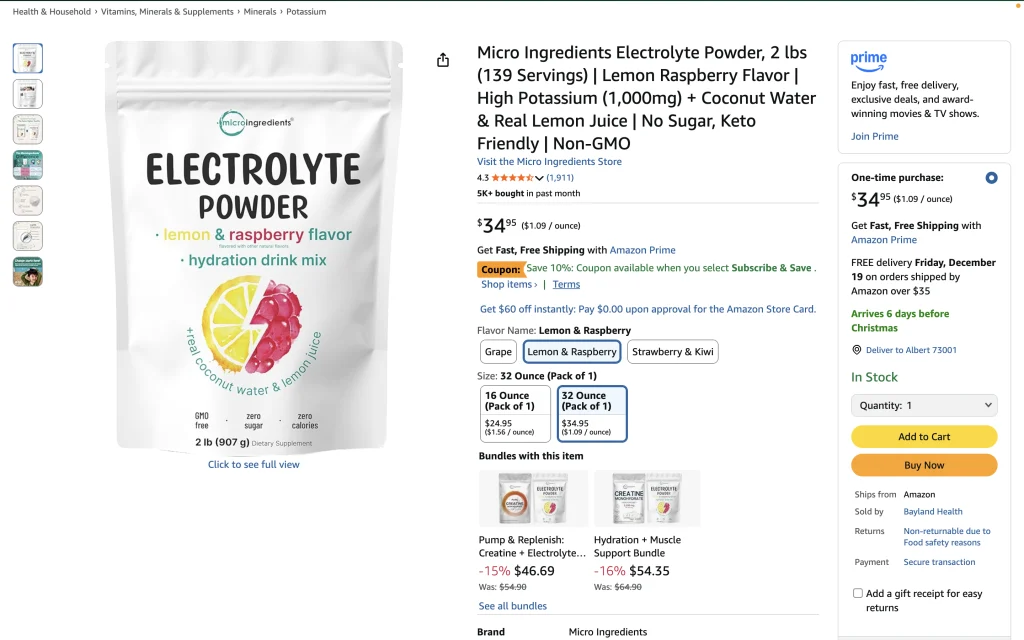
How Much Does It Cost to Sell Supplements on Amazon?
Before you price your supplements, you need a clear view of your costs. Amazon’s basic seller fees, FBA or FBM charges, lab testing, and compliance work all add up fast. This section breaks down the main cost buckets so you can protect your margin from day one.
All the expenses explained
| Cost item | Estimated range | Notes |
| Product manufacturing & packaging (first order) | $5,000–$10,000 | Depends on formula and packaging; check your manufacturer’s minimum order quantity. |
| Third-party testing & compliance | $1,500–$5,000+ | Varies with ingredient complexity and the level of certification required. |
| Amazon seller & listing fees | $40/month | Professional plan fee of $39.99/month. |
| FBA fulfillment & storage (initial inventory) | ~$3–$5 per unit | Based on product size, weight, and time in storage. |
| Launch advertising and marketing | 15–25% of revenue or $2,000–$5,000 | PPC and promo budget. |
| Contingency / unforeseen costs | $1,000–$3,000 | For compliance delays, extra inventory holding, or listing suspension issues. |
Realistic budget for launch
Most brands spend about $15,000 to $30,000 to launch a single supplement on Amazon. This includes:
- Manufacturing and packaging of the first batch
- Third-party lab testing and compliance
- Amazon seller fees
- FBA storage and fulfillment
- Initial PPC and marketing
The total increases as formulas become more complex or advertising budgets grow.
The key is to know these costs before launch. When you understand your full fee stack, it is easier to price your supplements correctly and protect your margins.
Streamlining Supplements Listing with M2E Cloud
Listing each supplement on Amazon by hand is slow and repetitive. It is also easy to miss important details.
M2E Cloud removes that manual work. You create and manage listings in your store, and M2E syncs every change to Amazon.
If you also sell on Walmart, TikTok Shop, or any other marketplace, M2E Multichannel Connect can list the same products there. So you don’t have to stop at Amazon.
Your workflow with M2E
1. Connect your store to Amazon
Before listing supplements, you link your store (Shopify, WooCommerce, Ecwid, Adobe Commerce (Magento 2 via M2E Pro), Shopware, Salesforce, PrestaShop, or BigCommerce) to Amazon through M2E Multichannel Connect.
Each platform has a step-by-step connection guide in our docs.
2. Prepare products in your store
Amazon requires correct product identifiers. Make sure each supplement has:
- UPC, EAN, ISBN, or GTIN stored in a product attribute
- Accurate titles, attributes, and category data
- Clear separation of formats, strengths, and sizes
3. Select Amazon marketplace and listing settings
Inside M2E, you choose the marketplace you want to sell on, then apply policies:
| Selling Policy | Synchronization Policy | Shipping Template |
| Price settings Quantity rules | Inventory sync rules Product data sync timing | Shipping methods from Seller Central Ability to create new templates inside M2E |
4. Choose products to list
Use the Listings tab to select your Amazon account, filter or search products, mark them, and complete the listing flow.

Your results with M2E
M2E makes managing supplements simple:
- Update once. Titles, descriptions, attributes, pricing, and inventory. M2E pushes changes to Amazon and other channels.
- Reduce compliance risks. Avoid wrong identifiers, outdated labels, conflicting data, and broken bulk updates.
- Save hours. No repeated edits, guessing, or switching tabs.
- Focus on strategy. Your store is the source of truth. M2E handles sync, rules, and listings. You focus on products, content, compliance, and growth.
You can list your products yourself or let M2E Listing Service handle it. Need help with vitamins and supplements? Our team will set everything up right from the start.
We manage product details, categories, attributes, and sync settings – so you can focus on selling, not technical work.
How M2E Helps with Order Fulfillment
Supplements are sensitive – they expire, react to heat, and even a small label mistake worries customers. Fulfillment is riskier than with regular products.
If you use Amazon FBA, you already have a robust system. Multi-Channel Fulfillment (MCF) lets you ship from the same inventory to other channels – eBay, Walmart, Shopify, or TikTok Shop.
Keep your stock centralized in Amazon’s network and let it serve your entire business.

How MCF works with M2E
Here is what the flow looks like in real life:
- A customer places an order on another marketplace, for example, eBay, TikTok Shop, or Walmart.
- The order is synced into your connected store through M2E Multichannel Connect.
- M2E checks if the item is available in your FBA inventory.
- If it is, M2E sends an MCF request to Amazon.
- Amazon ships the product using the delivery speed you selected.
- Tracking details go back to your store and from there to the original sales channel.
You keep listing and fulfilling your Amazon orders via FBA like you already do. M2E simply extends that same stock to other marketplaces.
Why this setup fits supplements so well
Supplements benefit a lot from this model because:
- Inventory rotates faster when all channels draw from one pool
- Stock stays fresher
- The chance of expiry drops
- There is less manual handling and fewer packing mistakes
- Orders ship quickly and consistently
- Negative reviews related to shipping and the decline
You sell on many channels, but you fulfill from one place. That is a significant upgrade in control.
Final Thoughts: Fix the System, Not Just the Listing
Most supplement issues don’t come from the product. They come from a weak system behind it. When that system is strong, listings stay accurate, stock stays fresh, and orders move through one clean flow.
Automation is what creates that strength. The more you automate listings, inventory, fulfillment, and order routing, the easier it is to stay compliant and grow.
M2E Cloud gives you that setup. You control everything from one place, keep your store as a source of truth, use Amazon FBA and MCF as your fulfillment backbone, and sell on multiple marketplaces without splitting inventory.
One system. One inventory. Many channels. This is how supplement brands scale on Amazon without burning out on operations.


