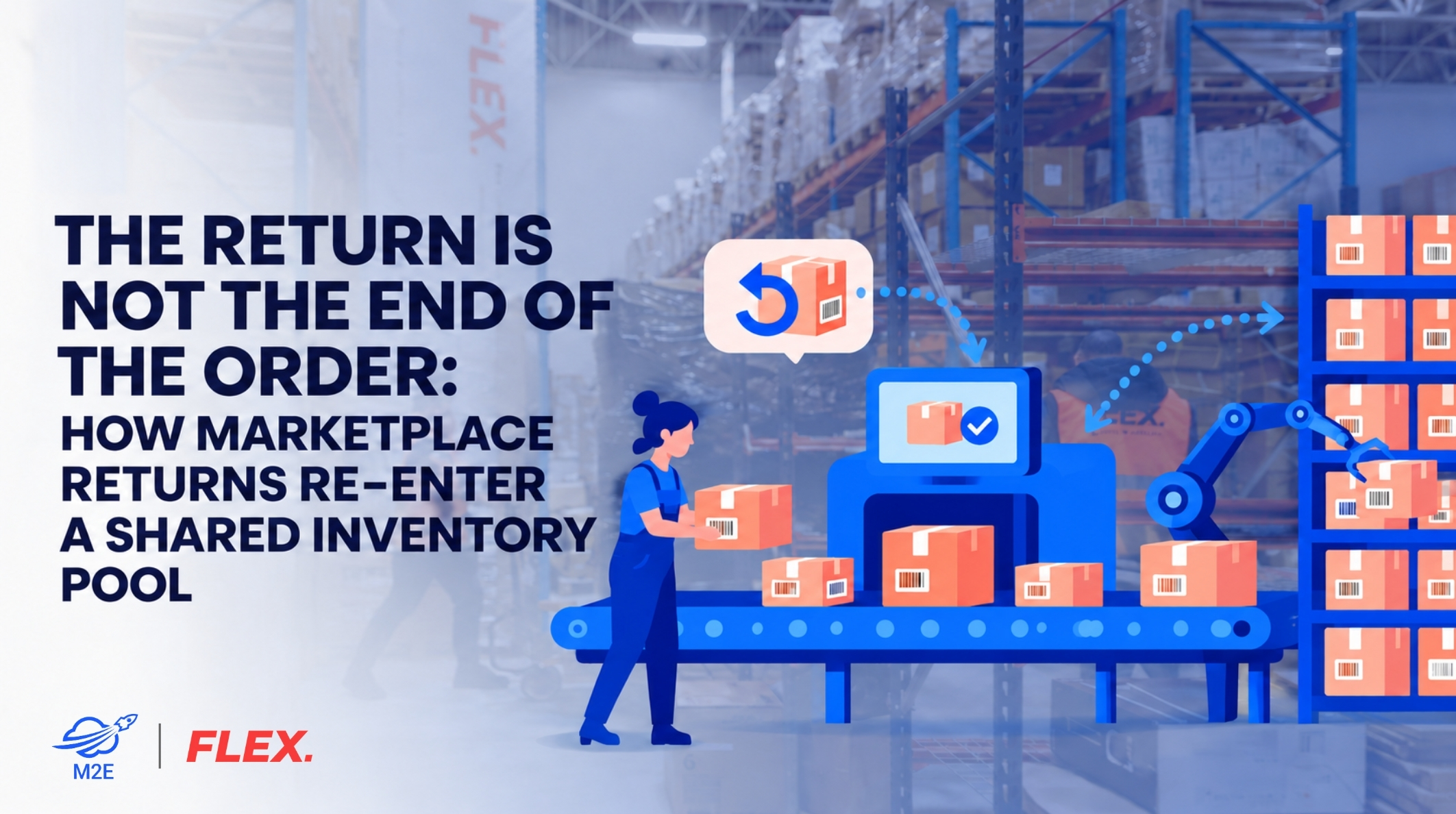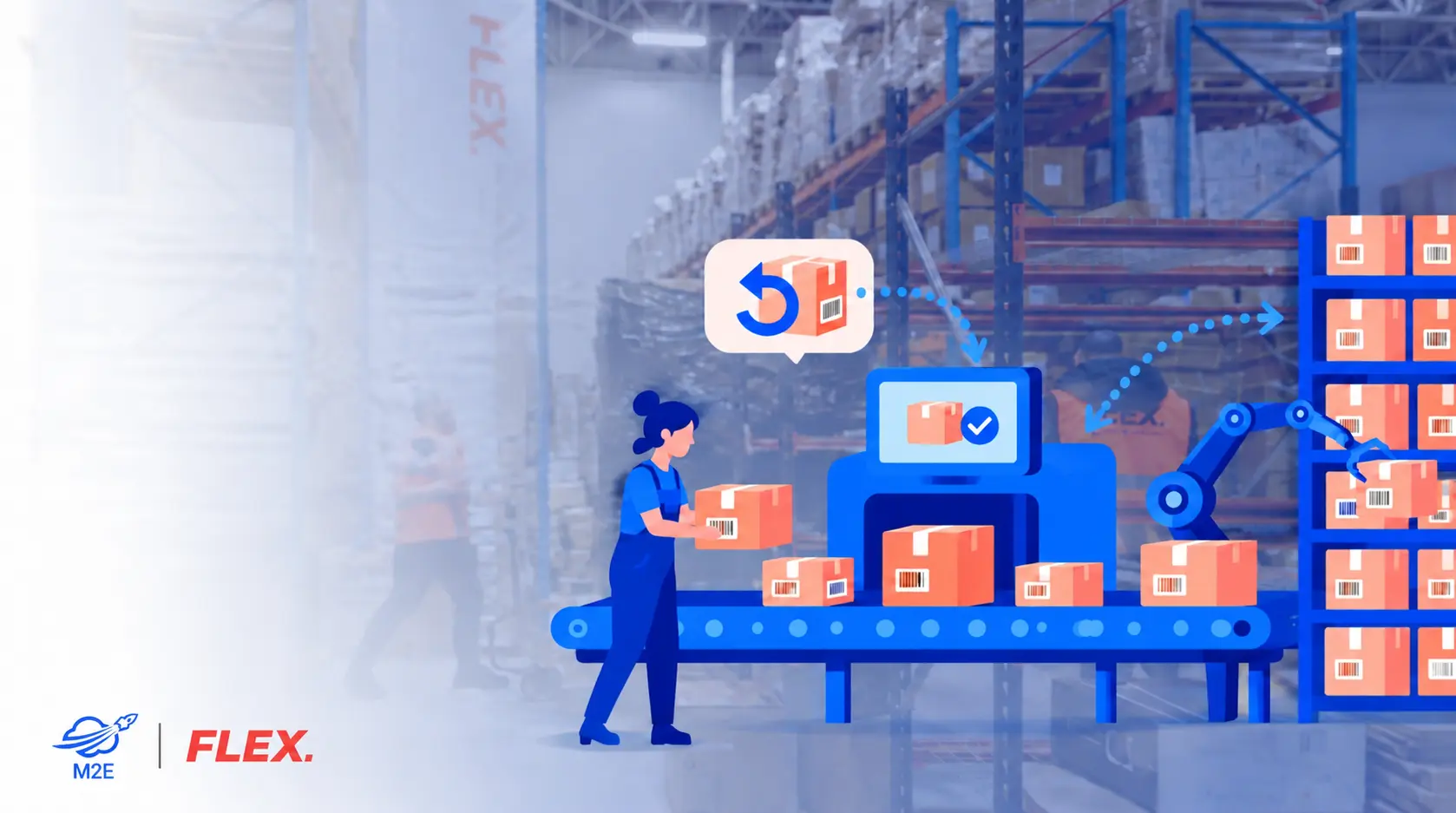
When a customer returns an item, the refund and the restock rarely happen on the same day. In between, the unit is stock you bought, stored, and shipped that you can’t sell yet, and if your systems aren’t set up for returns, it may not show up in your counts at all. How long it stays in that state depends mostly on what the warehouse does once the parcel arrives.
This article covers returns on seller-fulfilled orders, which come back to your own warehouse or your fulfilment provider’s. Items returned under Fulfilment by Amazon go back into Amazon’s network and follow Amazon’s rules.
From the customer’s doorstep to the dock
In the EU, consumers can withdraw from most online purchases within 14 days of delivery without giving a reason, under Article 9 of the Consumer Rights Directive (2011/83/EU), as summarised on Your Europe, the European Commission’s portal for citizens. Article 14 of the same directive then gives them a further 14 days from notifying the seller to send the goods back. The two windows stack: a parcel delivered on 28 November can be withdrawn from by 12 December and still be posted back as late as 26 December. Marketplace and shop policies can be more generous than the legal minimum, which stretches the timeline further.
Depending on the marketplace and the type of return, the refund can be issued while the parcel is still on its way. During that gap, the unit is neither sellable nor on your shelves. A warehouse that hasn’t been told a return is coming has nothing to match it against on arrival, so wherever the marketplace gives you return data, feed it into the WMS as an expected return.
At the dock, the parcel is scanned and matched to the original order: marketplace, SKU and variant, and return reason. In our experience, returns most often stall at this step. Labels come off in transit, boxes arrive without an order reference, two items from one order return in separate parcels, or the product inside is not the one that was shipped. A parcel that can’t be matched can’t be refunded correctly, credited to the right channel or put back on sale.
Inspection and restocking
Inspectors check the contents against the order: right product and variant, accessories and free gifts, signs of use, broken hygiene seals, and a functional test for electronics. Where it applies they also record serial numbers, batch codes, and expiry dates. Photographing the contents when the parcel is opened is cheap protection against disputed claims, including empty-box returns and swapped items.
Grading
Most warehouses agree a grading scheme with the seller in advance. A typical one looks like this:
- Grade A, as new: goes back to sellable stock.
- Grade B, sellable after repackaging: gets a fresh polybag or box and new labels, then returns to stock.
- Grade C, opened or cosmetically marked: sold as used or open-box where the channel allows it, or sent to an outlet.
- Grade D, defective or damaged: quarantined for a supplier claim, repair, liquidation or disposal.
The scheme should also say which channels each grade can be sold through, because a Grade C unit can’t go onto a listing that promises a new item.
Repackaging
Before a return can be sold on another channel, labels from the original sale have to be removed or covered. A unit still carrying one channel’s barcode can’t be sold cleanly through another. Repackaging also needs a defined workstation and a time target; otherwise Grade B units pile up between inspection and the shelf.
How returns feed a shared stock pool
Most multichannel sellers hold one physical stock and sell it everywhere. The warehouse management system (WMS) is the source of truth: it knows what is on hand, what is allocated to open orders, what is sitting in returns or quality control, and what is available to sell. Marketplaces and webshops only see the available figure the integration pushes to them. When a returned item passes inspection, its status changes and the sync updates every connected channel, whichever one it was originally sold on.
An example: from Amazon.de to eBay.nl
Take a pair of wireless earbuds that is the last unit of its SKU. It has just come back from a customer in Germany who bought it on Amazon.de, and every channel currently shows it as out of stock.
- 10:40: The parcel arrives and is scanned. It is matched to the order and SKU, and the WMS status reads “returned, awaiting inspection.”
- 11:30: An inspector checks the earbuds, case and cable, powers them up, and finds nothing wrong. The unit goes into a fresh box with the old marketplace label removed. Grade A.
- 11:35: The WMS moves one unit to available stock. The sync pushes a quantity of 1 to every connected channel.
- 14:05: An eBay buyer in the Netherlands orders it. The unit is picked from the same location and ships that afternoon.
The unit was back on sale less than an hour after it reached the dock, and it sold on a different channel from the one it came back through. A week in an unprocessed pile, or a misfired sync, would have cost that sale.
Keeping the sync accurate
Timing is the hard part. If stock goes live before inspection, a channel can sell a unit that later turns out to be damaged; if it waits for a weekly booking run, it misses sales in the meantime. An ASIN, an eBay item ID, an EAN and an internal SKU can all describe the same product, so a wrong mapping puts the extra unit on the wrong listing or variant. Condition and allocation rules matter as well. If you cap stock per channel or keep a buffer, a recovered unit should follow those rules instead of going to whichever channel syncs first.
Don’t let sellable returns sit out of stock
The warehouse doesn’t need to know which marketplace will sell a returned item next. Once it’s been checked and cleared for resale, the important thing is getting it back in front of buyers.
That’s where M2E Multichannel Connect helps. Instead of opening Amazon, eBay, and every other seller account to update stock manually, you update the item’s availability in your connected inventory system. M2E takes care of syncing the new quantity across marketplaces in real time.
So a returned product could be back on sale within an hour, not two weeks.
And stock updates are only part of what M2E does. For instance, you are able to:
- Complete order management in a single workspace.
- Follow the status of all orders through the process of delivery and return.
- Reserve stock for incoming orders to avoid overselling.
- Set different stock limits for different channels.
- Route orders between warehouses.
All without switching between marketplace accounts throughout the day.
What goes wrong when processing is slow
The most visible cost is lost sales. An unprocessed return is stock you own but can’t sell, and on a SKU with only a few units left, a week’s backlog can keep it out of stock for that whole week.
Status errors cause the other problems. If a return is counted as available when the refund is issued, the channels show a unit that isn’t in the building yet. That is phantom stock, and eventually someone orders it. The seller has to cancel, which hurts marketplace performance metrics and the customer relationship. If a return isn’t counted until someone books it in, it becomes invisible stock: it exists, but nobody can order it.
The third problem is parcels nobody has classified. Returns left in a “temporary” area with no status end up in the wrong locations or get miscounted. Sixty winter jackets still waiting for grading in late January are worth far less than they were in December, and nobody can say how many are actually sellable.
Black Friday and the holiday returns period
Black Friday falls on 27 November this year, but the returns arrive later. Combine the withdrawal windows above, and you get two waves: one in early to mid December, from orders placed during the sale, and a second after Christmas, when gifts are exchanged or sent back. How large each wave is depends on your categories, so last year’s December and January return data is the best forecast you have.
Shoppers who order several sizes or colours and send most of them back mean that a single order can produce several units to grade. In December, every day a sellable return waits is a day a channel may show it as out of stock during the highest-demand weeks of the year. In January, seasonal and discount-sensitive items lose value week by week, so late processing turns recoverable stock into markdowns. Returns also compete with outbound orders for staff, dock space and systems, so returns capacity has to be planned before the peak starts.
Practical recommendations
- Agree the grading scheme in writing before peak, including which channels each grade can be sold through and who decides borderline cases.
- Give every return a status: expected, received, awaiting inspection, sellable, repack, quarantine or disposed. “Just received” isn’t a status. For standard goods, aim to inspect on the same or next working day, and report weekly on anything that has sat unclassified for longer.
- Send return pre-advice. Return labels should carry the order reference and marketplace, and the warehouse should know what is on its way.
- Release stock to the channels only after inspection, through a near-real-time sync, and cycle count the returns area regularly during peak.
- Review return reasons. Recurring “too small” or “not as described” codes usually point to a size chart, photo, or title that needs fixing.
- Share return forecasts by category with your fulfilment provider, and agree staffing and processing times for December and January in advance. If you outsource, these details are worth settling in writing before the season starts. As one reference point, FLEX. describes how its own B2C returns processing works, from matching parcels at the dock to releasing stock to the channels.